Introduction
Before developing Hero Blocks,
it is highly recommended you read the Hero Block docs for
Portal, PageListProvider & SpacingProvider first
.
Hero blocks have special tools which, in most cases, must be used.
Checklist when developing
- ENSURE you choose
Hero Blockwhen runningyarn bootstrap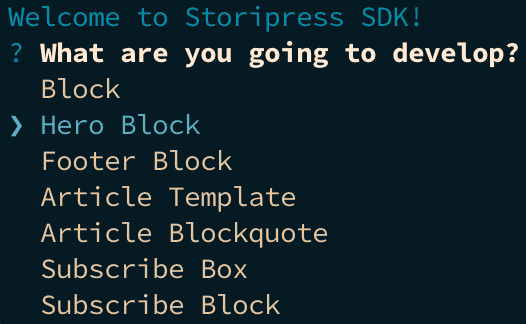
- WRAP block inside
HeroBlock - SPLIT the nav bar into
navbar.vue - REMEMBER TO ADD a
SpacingProvider
Notes for creating the Menus in HeroBlocks
- The background of the menu should use a
colorareaso non-technical users can customise the bg colour of the menu - Insert social links using the
siteprovidercomponent